
01 / 14
WooCommerce
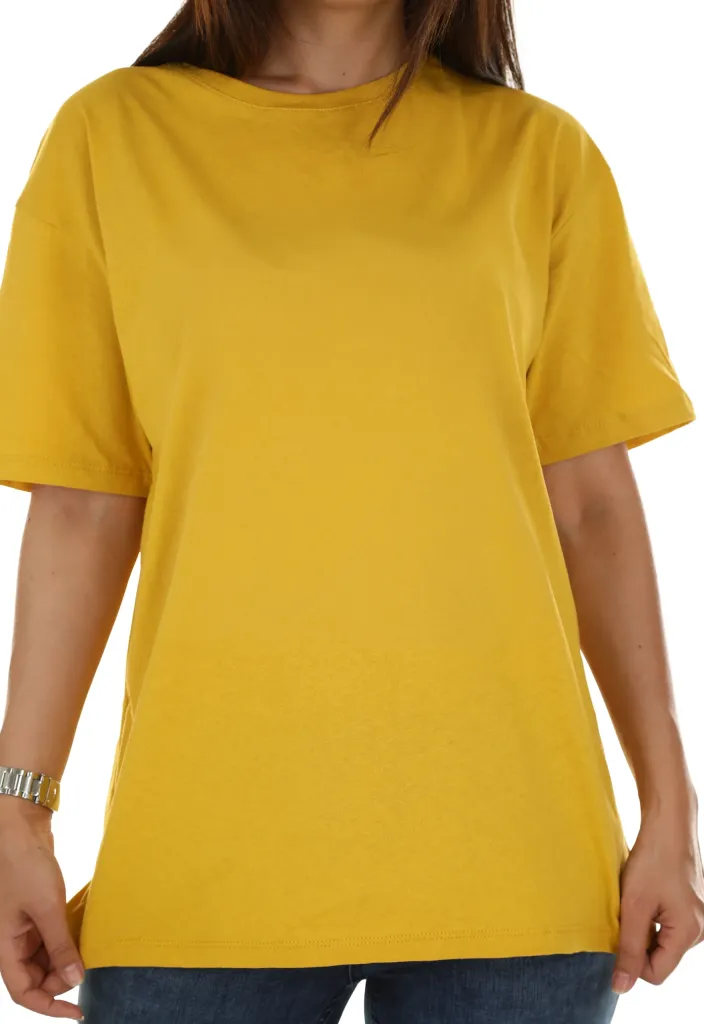
Fashion & Apparel
Editorial fashion storefront for collections, lookbooks and campaign-led shopping.
WooCommerce and Easy Digital Downloads storefronts with conversion-focused shopping UX, flexible demo content and a polished mobile experience.
Open any demo to browse its two home pages, shop, product pages, cart and checkout.
Editorial fashion storefront for collections, lookbooks and campaign-led shopping.
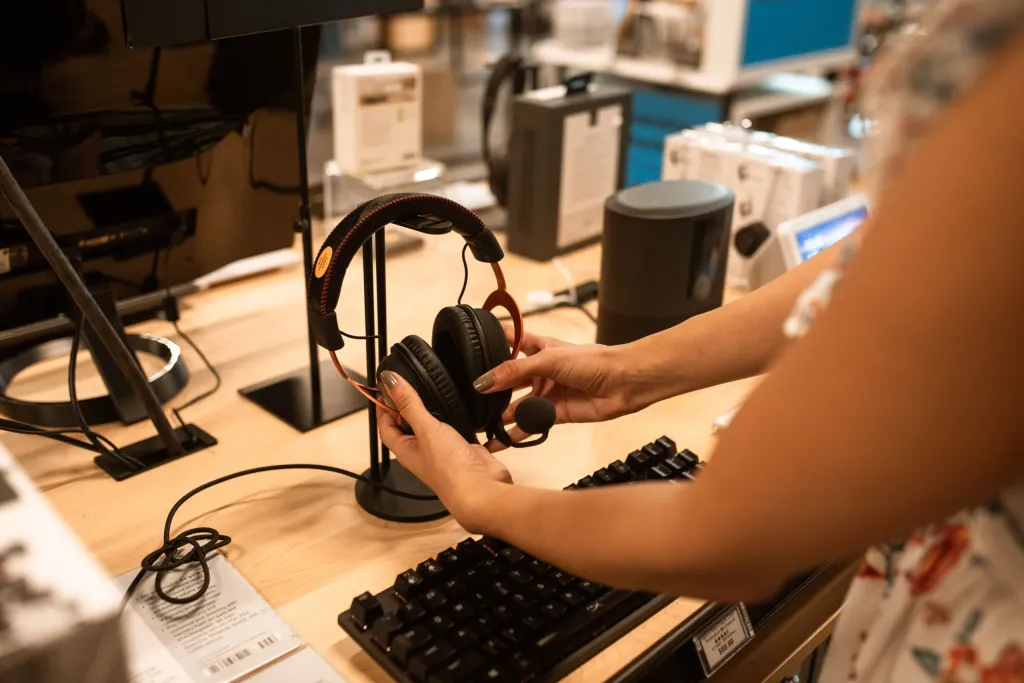
Spec-focused electronics shopping with comparison-led product discovery.
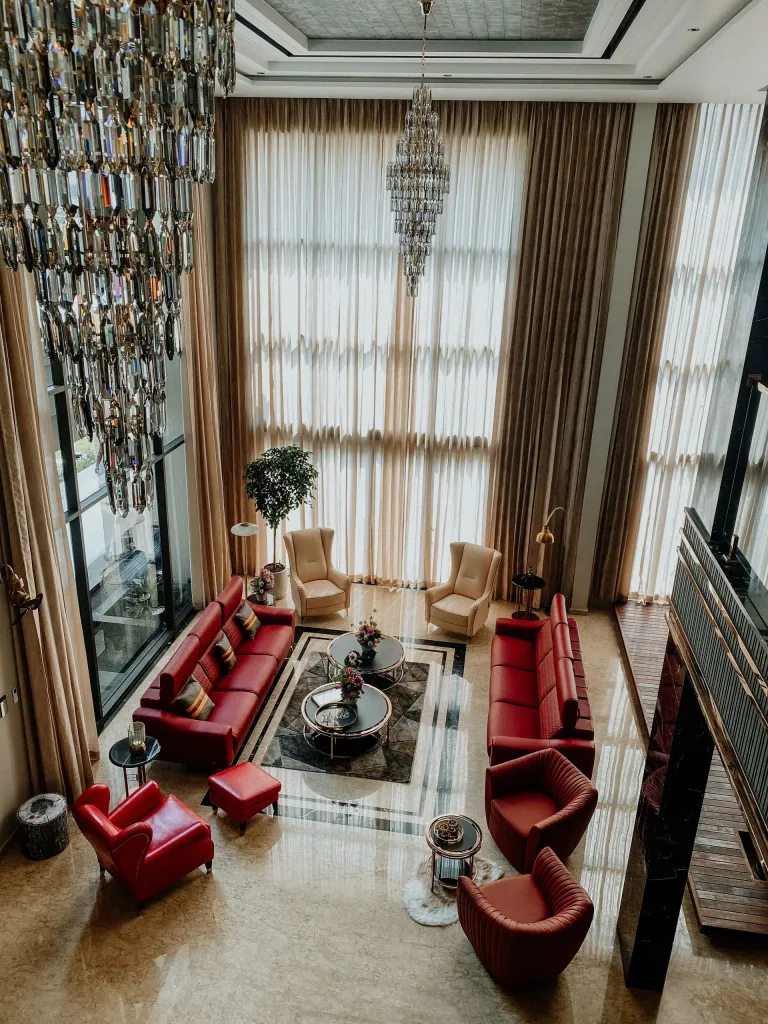
Premium furniture and home retail with room-based collections.

Beauty storefront for routines, collections and product discovery.

Luxury jewelry presentation for fine collections and gifting.
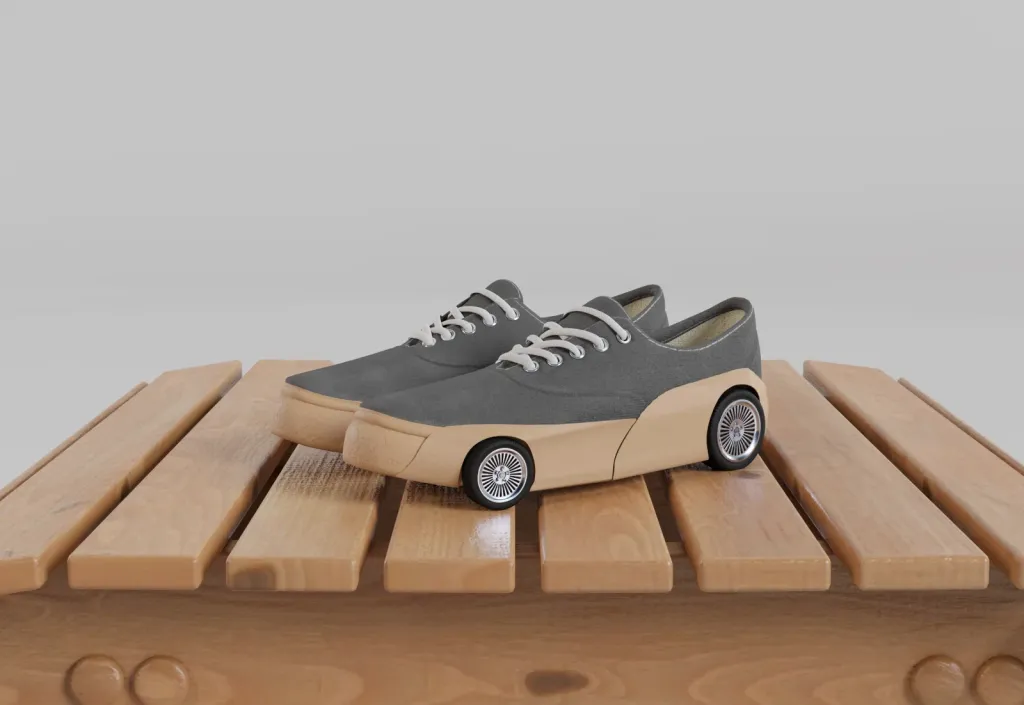
Footwear store for drops, sizing, releases and curated collections.

Friendly store for baby essentials, toys and kids collections.

Fast everyday shopping for groceries and household essentials.

Pet supplies shopping with species and care-based navigation.
Automotive parts store with fitment-led product discovery.

Content-rich retail for books, stationery and gifts.

Large multi-category marketplace with deals and seller discovery.

Bulk ordering, trade pricing and business purchasing experience.

General digital download storefront for files and bundles.
Each card links to a page where you can try the feature yourself. All of them work on every demo.
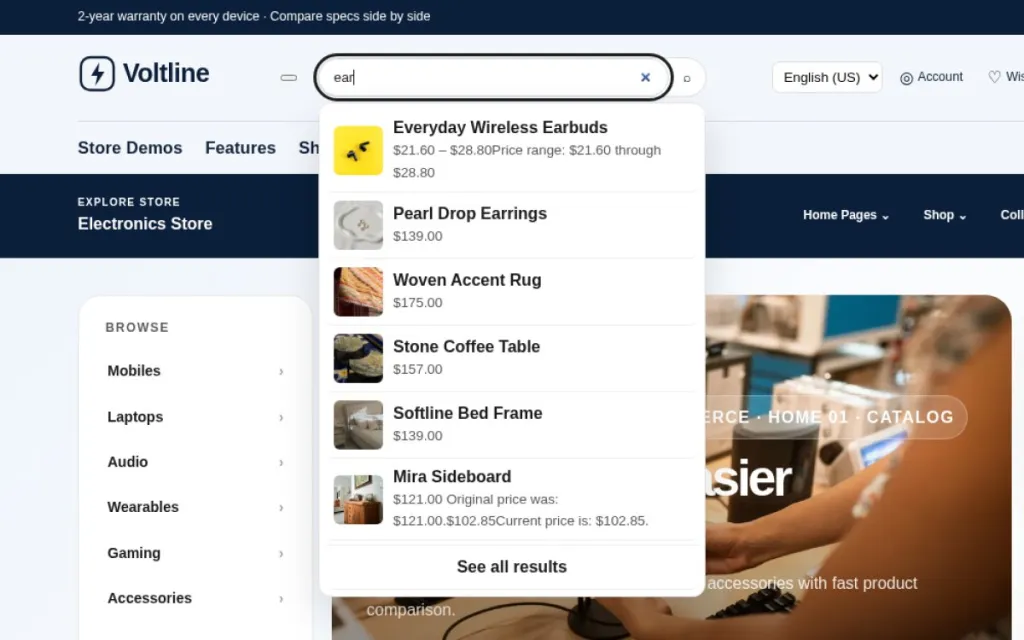
Results with images and prices appear while you type in the header search. Arrow keys and Escape work too.
Type a product name in the header search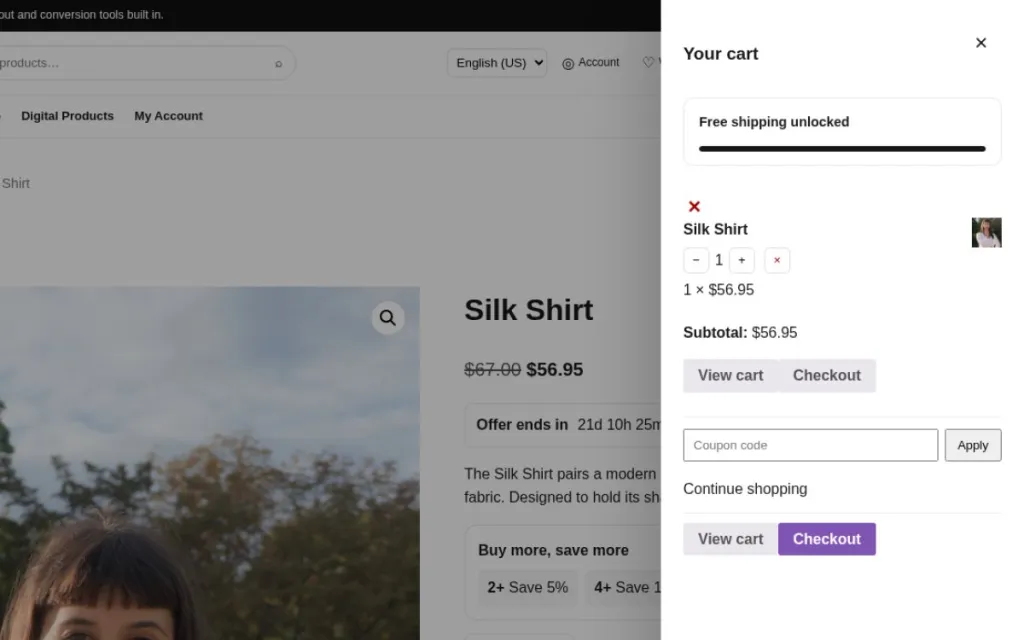
Add to cart without leaving the page. The cart slides in from the side and keeps focus inside it.
Add any product to the cart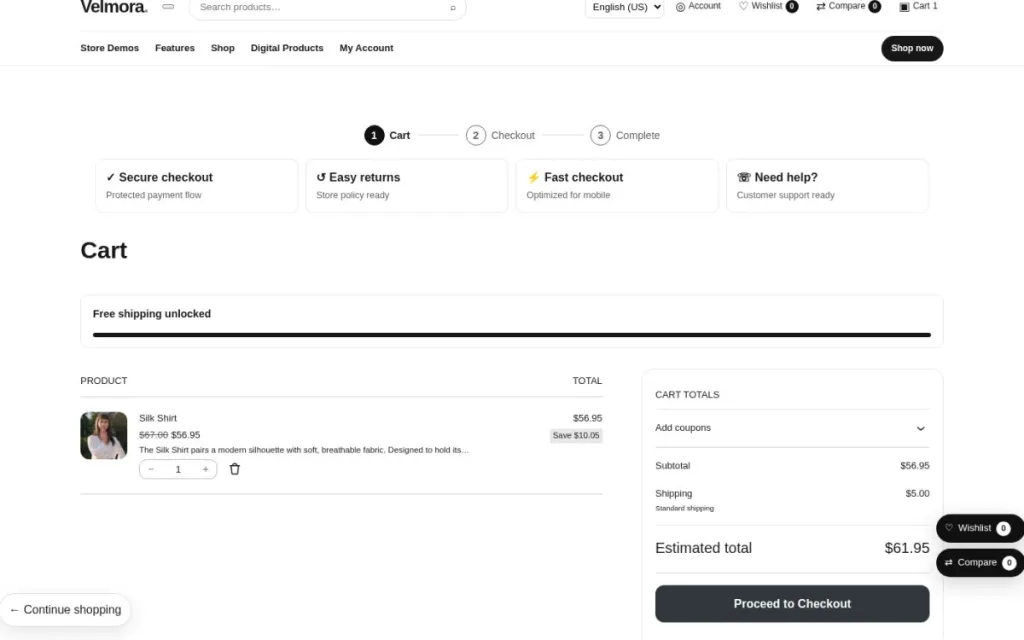
Shows how far the customer is from free shipping, read from your own WooCommerce shipping rules.
Open the cart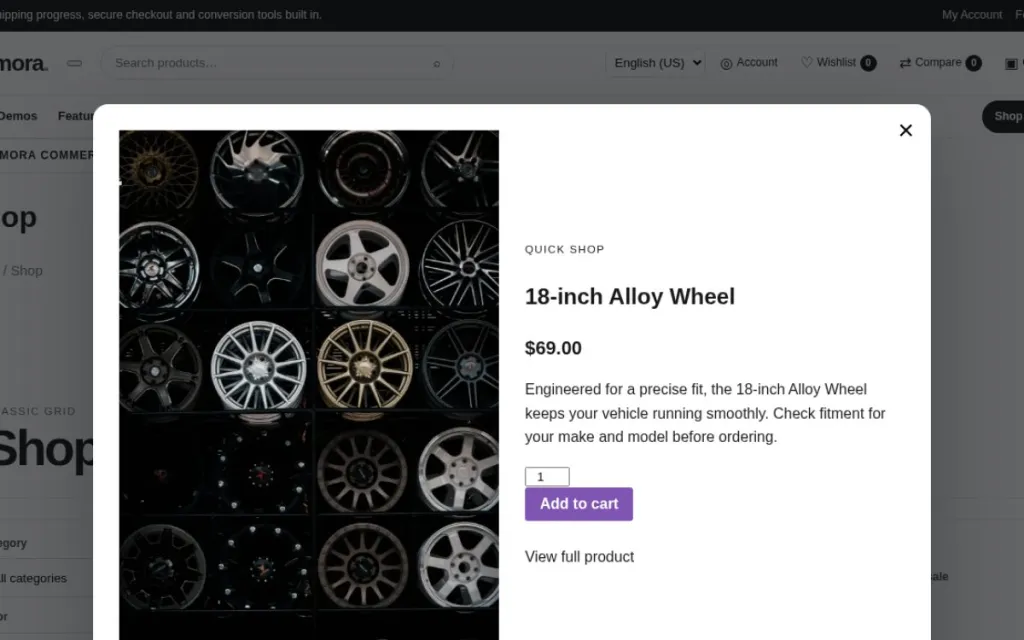
Open a product in a window with gallery, price and add to cart, right from the product grid.
Click “Quick view” on any product card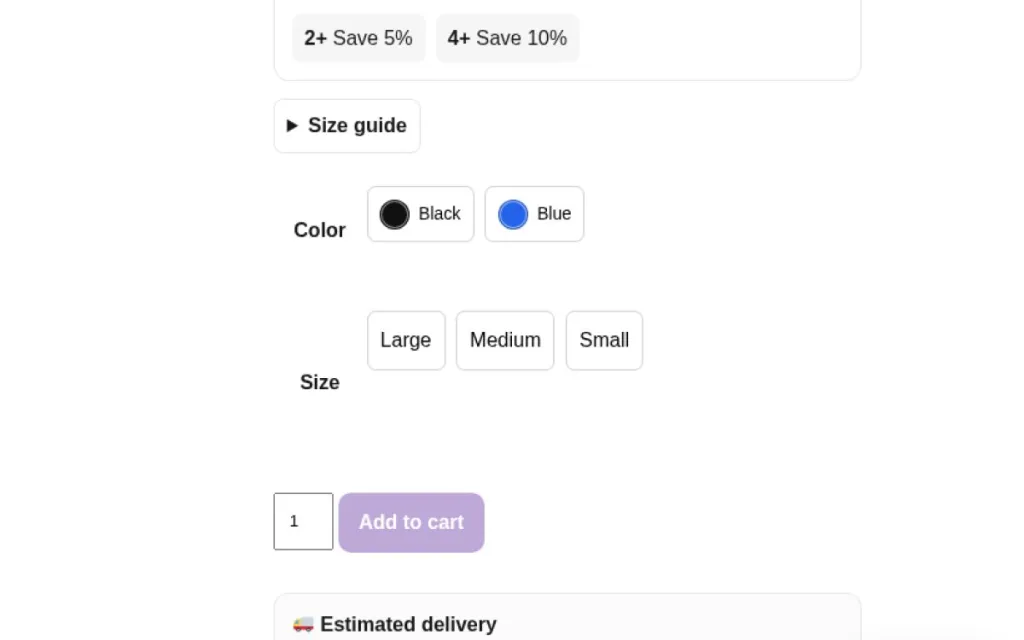
Variation buttons instead of drop-downs. Price, stock and image update with the selection.
Pick a colour and a size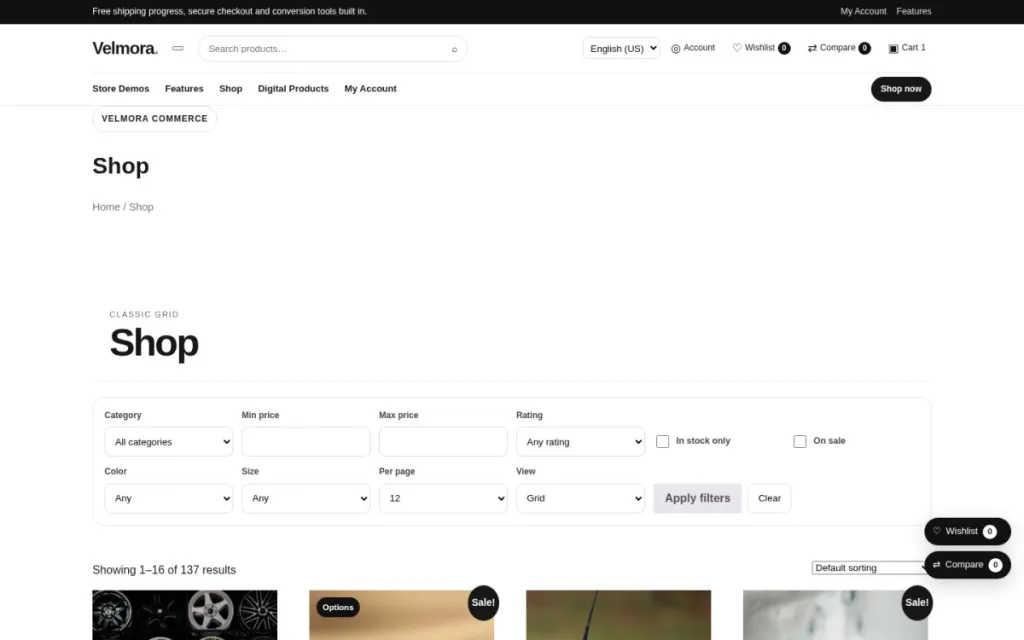
Filter by category, price and attributes, and save or compare products from the header.
Open the shop page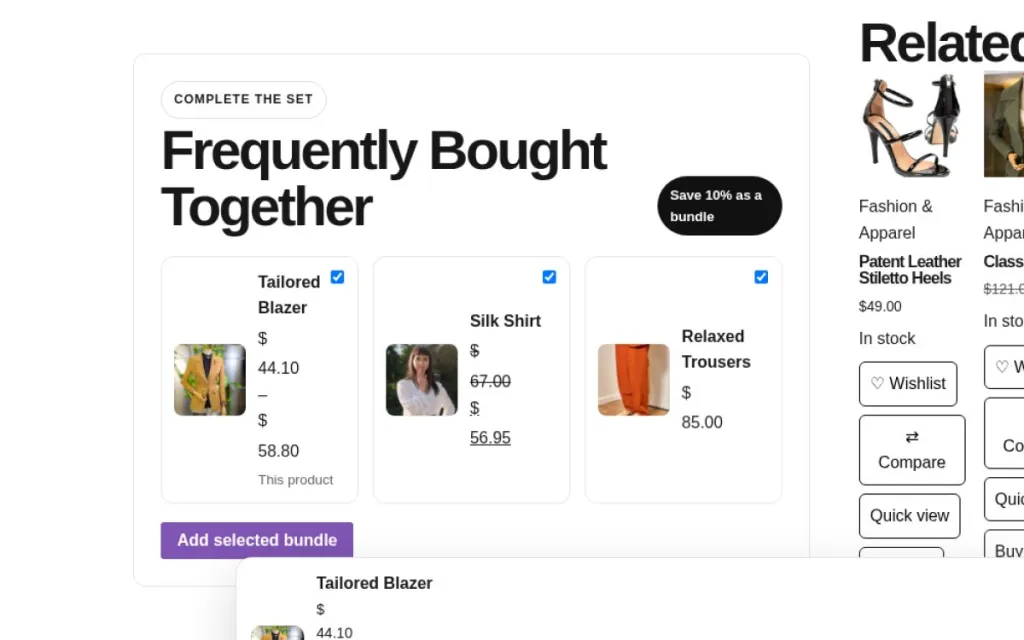
Suggest matching products and give a bundle discount when they are bought together.
Scroll below the add-to-cart button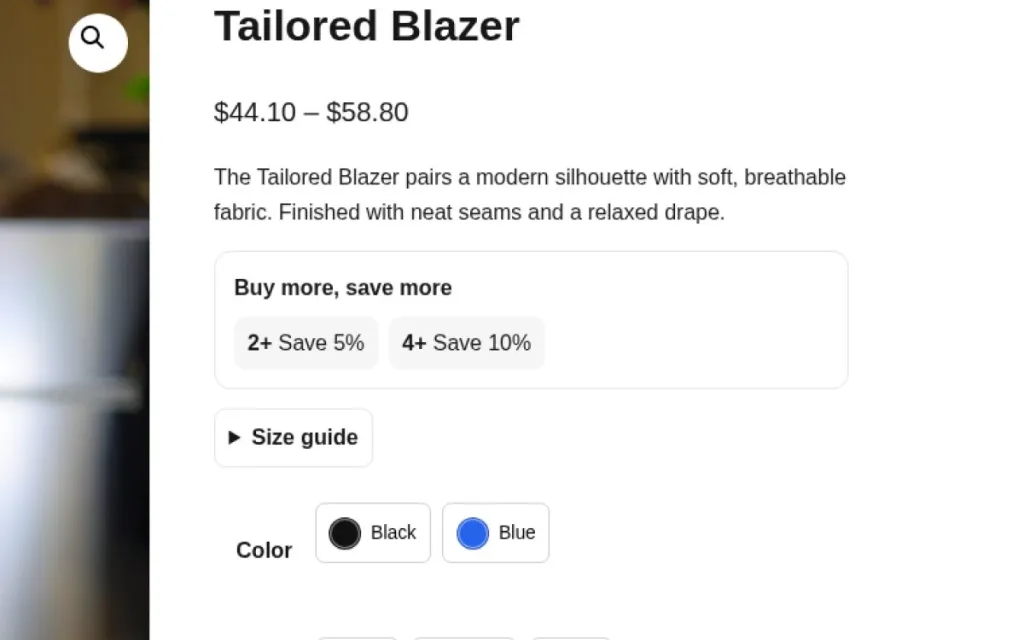
Quantity discounts such as “2+ save 5%, 4+ save 10%”, shown on the product page.
See the price box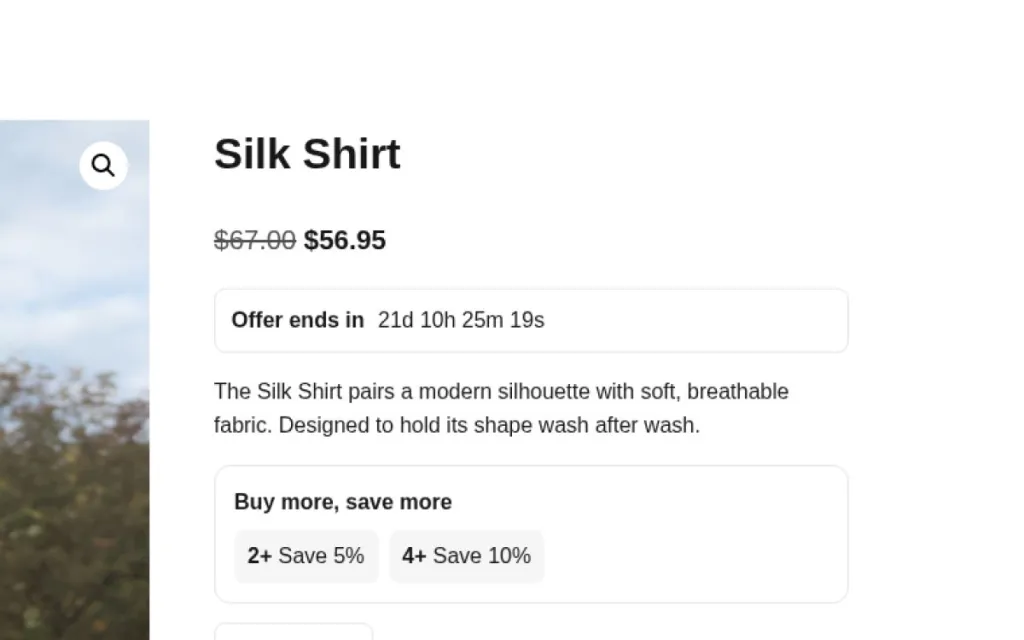
A live timer for scheduled sales. It ends automatically with the WooCommerce sale date.
Look under the price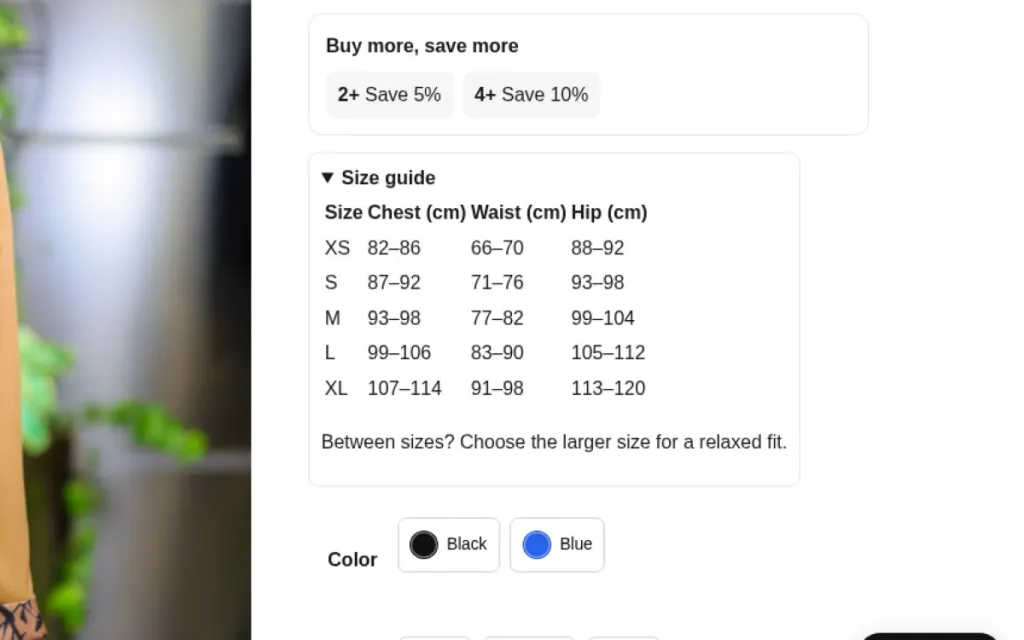
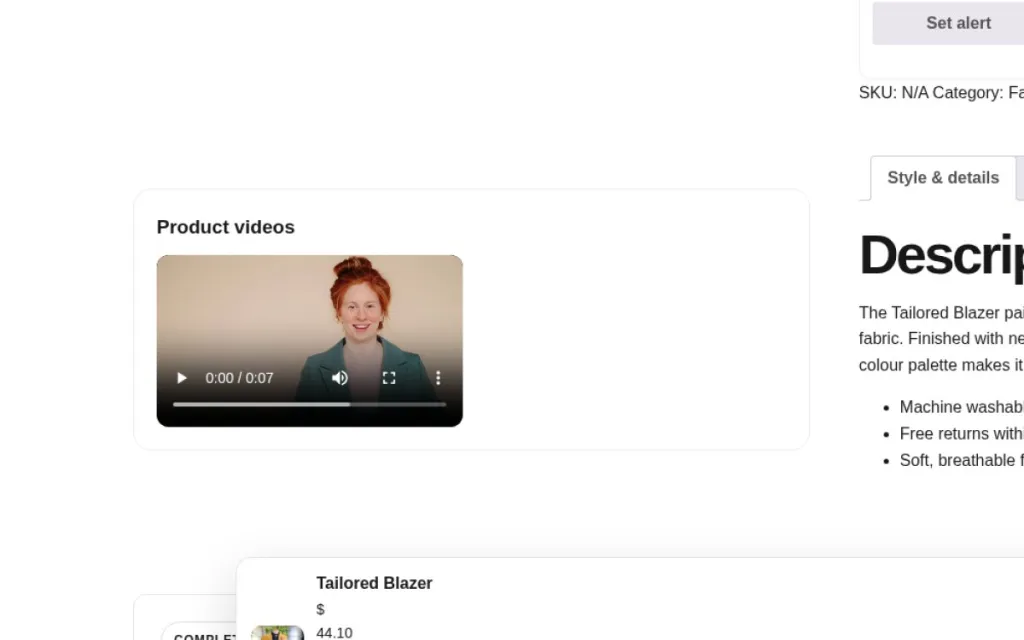
Add short product videos from your media library next to the gallery.
Scroll to the video section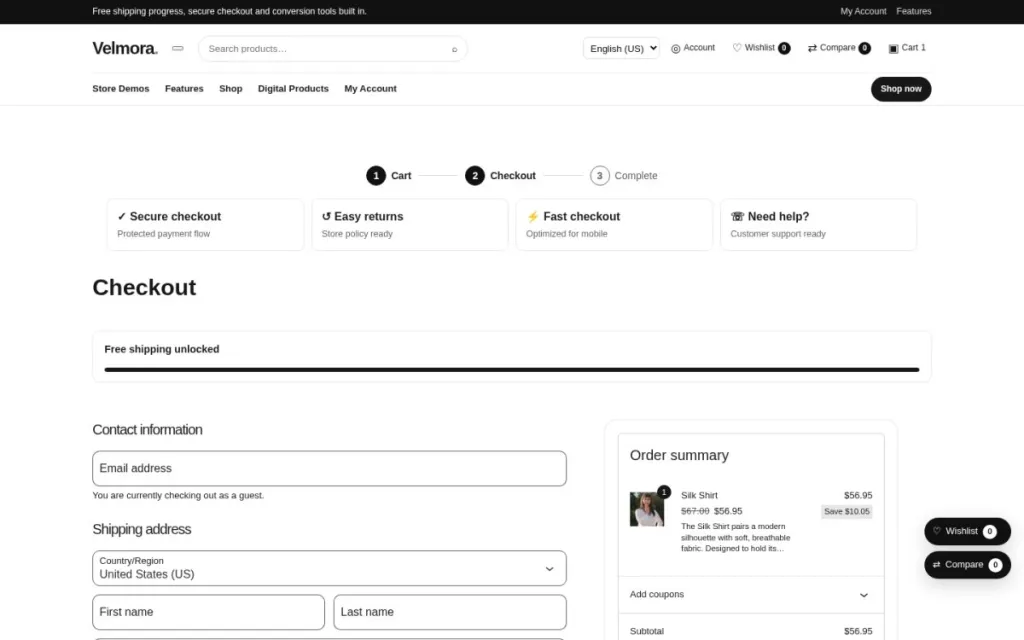
The WooCommerce block cart and checkout are styled to match each brand kit.
Go to checkout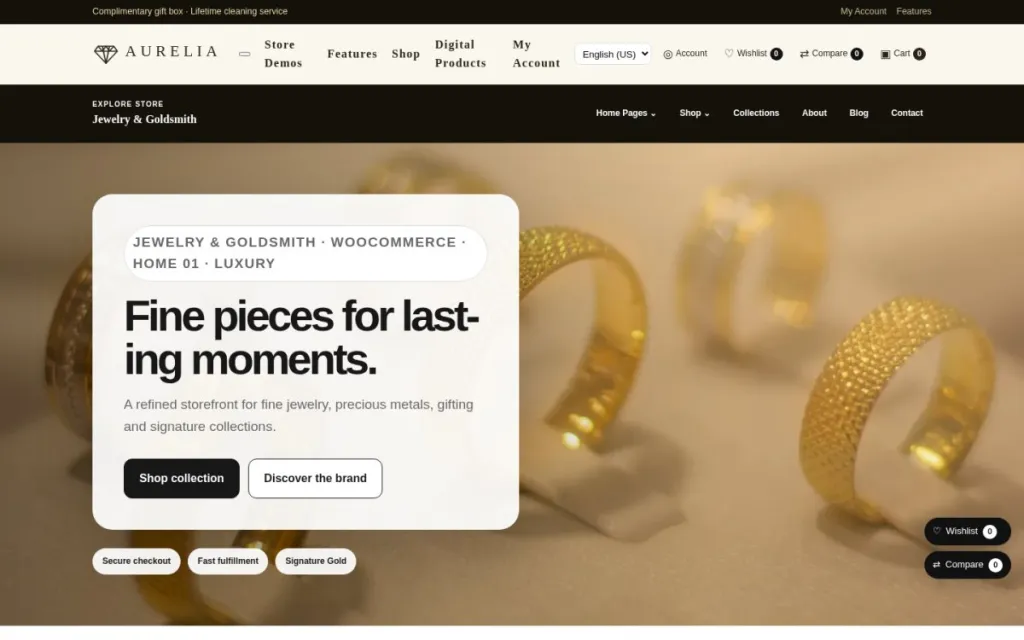
Each demo has its own logo, colours, fonts, header and footer, so stores never look alike.
Compare the demos below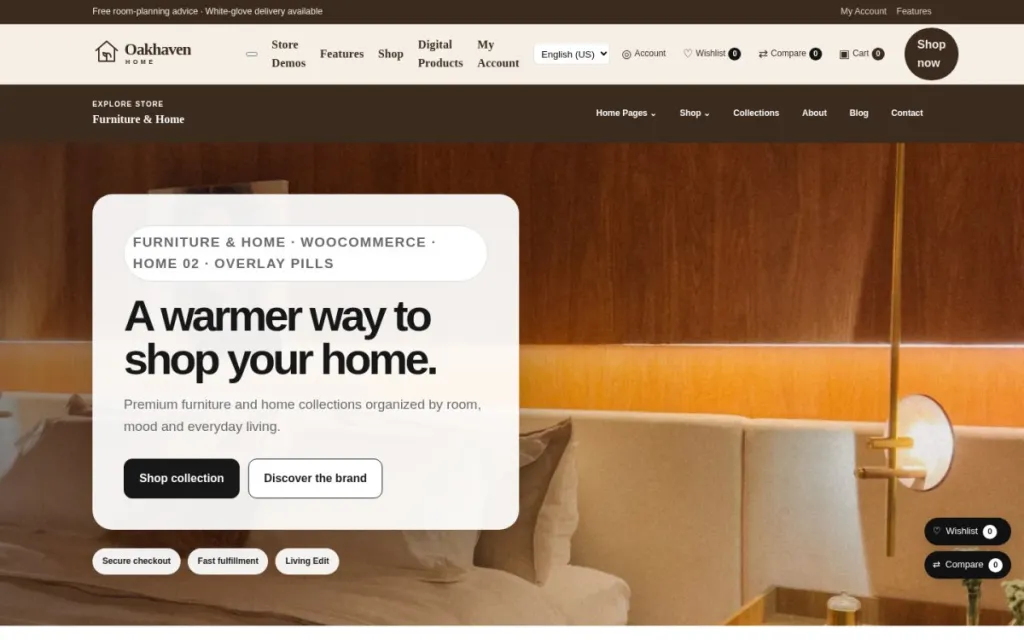
Every store comes with two different home page layouts to choose from.
Open Home 01 and Home 02 of any demo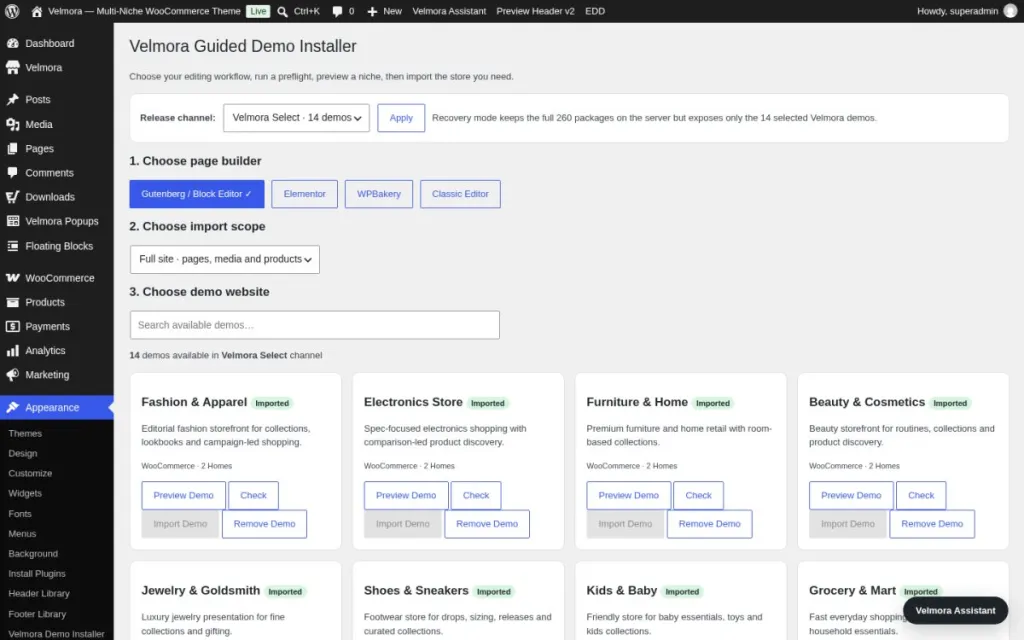
Import products, images, pages, menus and settings of any demo from the dashboard.
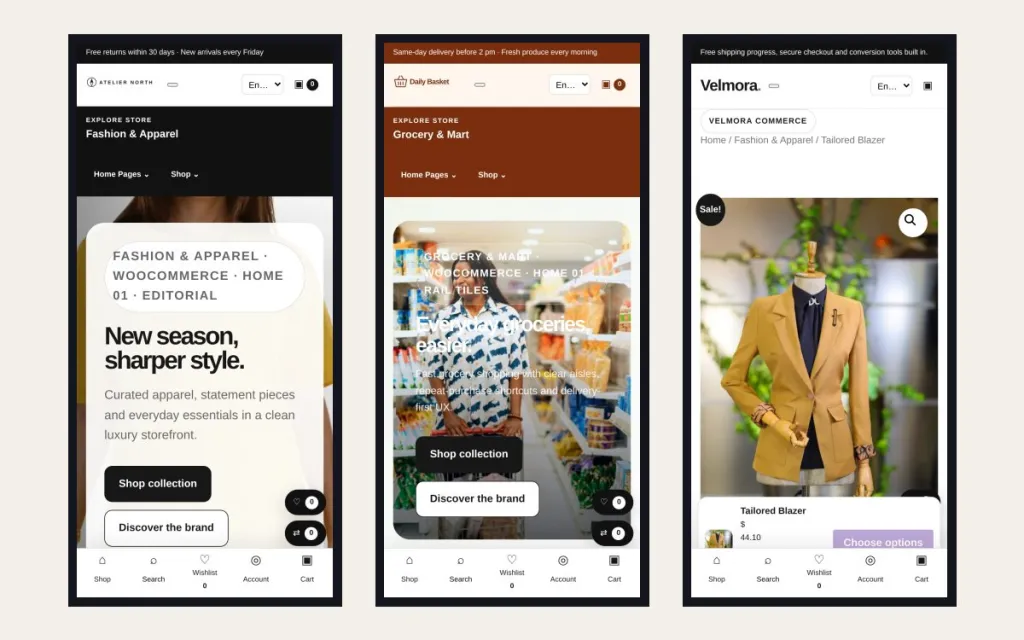
Compact mobile header, menu drawer and a thumb-friendly cart on every demo.
Translation files are included and the layout fully supports right-to-left languages.
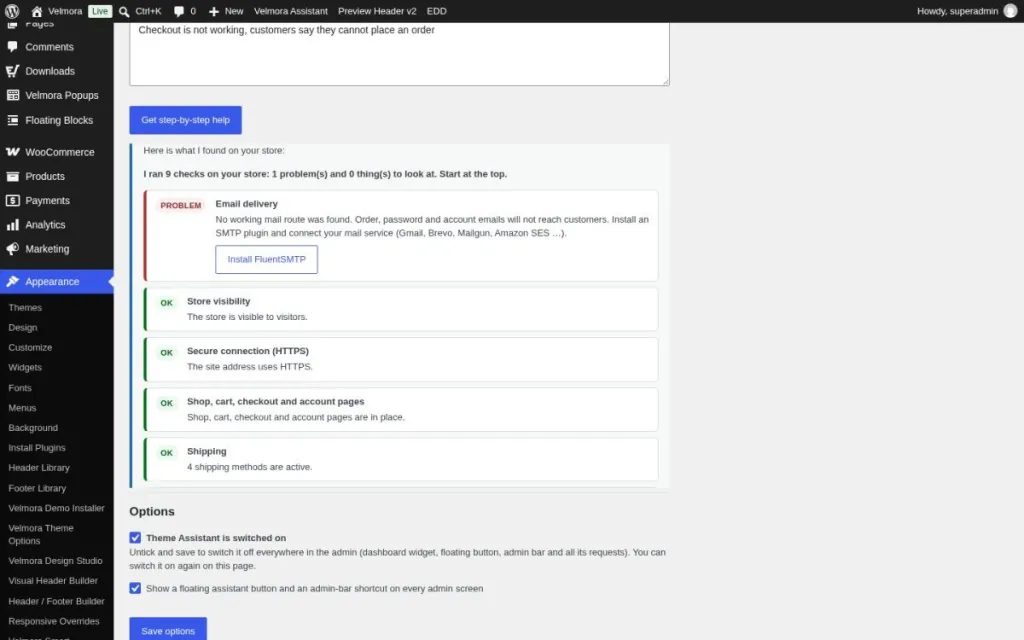
Describe a problem in your own words and the theme assistant checks your store, explains what is wrong and offers a one-click fix.
Demo pages are tested with axe-core, keyboard navigation and screen-reader labels.